From AI skeptic to confident creator – learn ethical workflows for subtitles, masking, and pre-viz that amplify your vision.
Join 100,000+ filmmakers mastering productivity AI in Premiere, Resolve, and FCP.
Just $29/month (billed annually) – Less than a coffee a day for unlimited access to 66+ courses, with new ones added monthly.
Master the AI workflows Hollywood pros use daily. From automated subtitles to cinematic pre-viz — these courses turn hours of tedious work into minutes of creative flow.
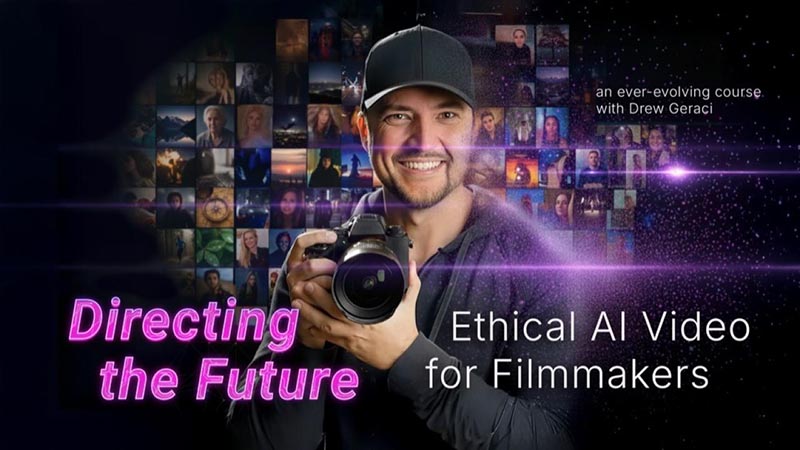
Create backgrounds, B-roll & concept pre-viz with ethical AI tools like Runway.
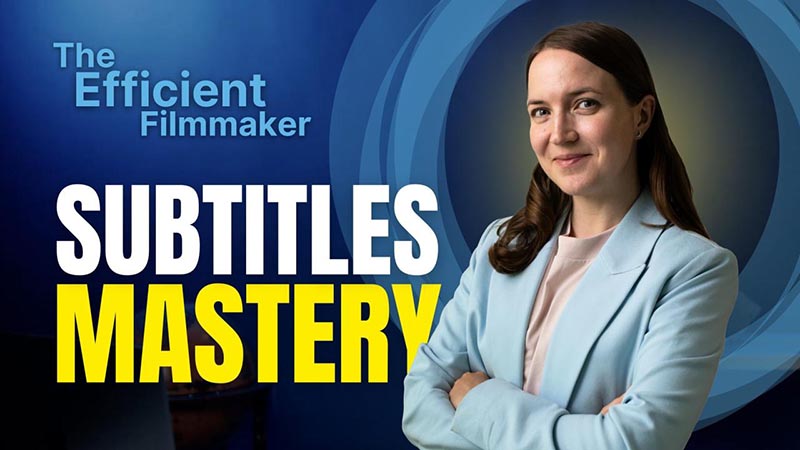
Auto-generate accurate subtitles in Premiere & Resolve. Save 3+ hours per project.
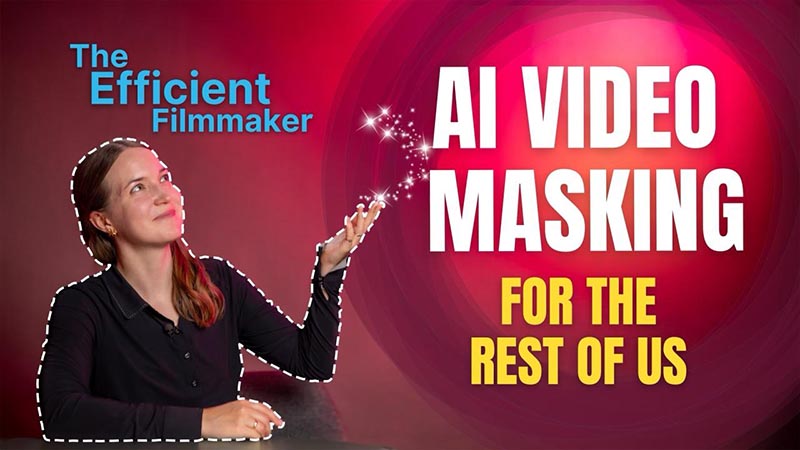
Rotoscoping in seconds, not hours. Master object tracking & smart selection tools.
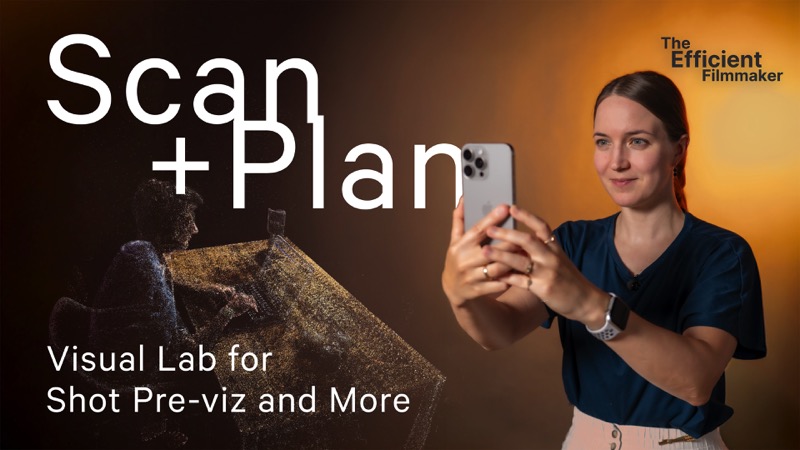
Build 3D versions of real scenes for previsualizations using your smartphone.
Works with the tools you already use:
For years, the question was: Will AI take our jobs?
The better question is: How can it give us back our time – to light, frame, direct, and tell stronger stories?
AI doesn't replace craft. It accelerates it. And the industry knows it:
These roles value hybrid talent: storytelling + AI workflow mastery + motion design
Not tech evangelists – real professionals with decades of experience
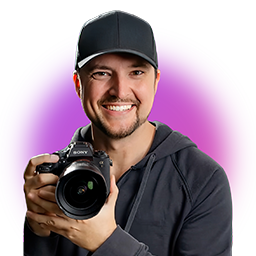
Acclaimed Cinematographer & AI Advocate
Award-winning cinematographer teaching ethical AI frameworks and generative workflows. Known for principled approach to emerging technology.
"AI doesn't replace your creative voice–it amplifies it. I'll show you how to use it responsibly, maintaining full authorship of your work."
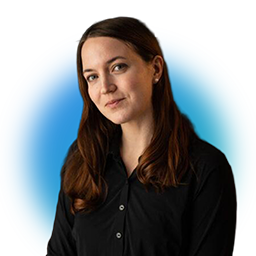
Independent Filmmaker & Efficiency Expert
Independent creator who discovered AI workflows out of necessity. Shows practical techniques that save hours on every project for solo creators.
"I'm neither a colorist nor a VFX artist. These tools save me hours every week so I can focus on what matters–the story."
Premium Filmmaking Education
If you've been skeptical of AI, you're not alone. Ethical concerns about generative AI are valid questions about training data, authorship, and whether technology is replacing creativity.
But here's what most people miss: Not all AI is the same.
While generative AI creates content, productivity AI takes over mundane tasks – transcription, masking, rotoscoping, translation. The work that keeps you from your actual craft.
The difference?
One draws pictures while you do laundry. The other takes over the laundry.
This course collection shows you exactly which AI tools to embrace, how to use them ethically, and how to save hours every week without sacrificing your creative vision.
The concerns are valid:
The solutions are here:
Hear from Mascha Deikova:
"By hating AI in general, you miss a whole universe of useful tools that can really simplify mundane tasks and accelerate workflows."
Before you learn the tools, learn the responsibility
Learn to Use AI Ethically – With a Framework From a Working Cinematographer
Before diving into tools, establish your ethical code. Drew Geraci walks you through transparency, consent, and authorship – the three pillars of responsible AI filmmaking. Then see it all in action as he creates a complete commercial from concept to delivery.
"AI doesn't have to replace your creative voice. It can help amplify it. Imagine using AI to pre-visualize a tricky scene, test camera angles, or even fill in background extras you couldn't afford to hire. That's the power it has–as long as you use it right."
– Drew Geraci, Lesson 1, 00:02:06
Let clients and audiences know when AI is used
"If you use generated fill to replace a cloudy sky with a sunset, just say so."
Respect privacy when using reference material
"Just because a person's photo is online doesn't mean you can feed it into an AI model."
Take ownership of your creative decisions
"Think of AI as an assistant who carries your gear–you're still the director."
Follow the complete workflow from initial concept to final delivery
Use ChatGPT to brainstorm ideas, develop scripts, and create initial concept boards. Watch as Drew transforms a simple brief into a complete creative vision.
Generate visual assets using Google Flow, Midjourney, and Runway with ethical prompt engineering. Learn how to craft prompts that respect authorship while achieving stunning results.
Combine AI assets with real footage in After Effects, maintaining creative control throughout. See how to blend generated elements seamlessly with traditional filmmaking techniques.
4K upscaling, color grading, AI voice narration, and client-ready export with transparency documentation. Deliver a professional product with full ethical disclosure.
Transparency, consent, authorship framework | 5 minutes
Platform landscape and prompt engineering basics | 6 minutes
Pricing models, subscriptions, and ROI calculations | 5 minutes
Pre-production to post-production integration strategies | 4 minutes
Emerging roles and industry evolution predictions | 4 minutes
Complete commercial concept development from scratch | 34 minutes
Asset manipulation, compositing, and AI upscaling workflows | 25 minutes
Combining real footage with AI-generated elements seamlessly | 20 minutes
Text-to-video generation and advanced scene-linking techniques | 17 minutes
Transform static photos into dynamic video sequences | 16 minutes
From "The Efficient Filmmaker" Series with Mascha Deikova
These aren't fancy VFX techniques you'll use once a year. These are the repetitive, time-consuming tasks that eat up your day – transcription, captioning, translation, rotoscoping. Learn to automate them in the tools you already use.
"What used to take hours now takes minutes–and you stay focused on the story"
Stop wasting hours on manual transcription and translation. This course shows you AI-powered workflows in Premiere Pro, DaVinci Resolve, and Avid Media Composer – plus text-based editing techniques that will change how you cut interviews and documentaries forever.
Reclaim 9-10 hours per project for actual creative work
From raw footage to multilingual captions in minutes
Click one button to generate accurate transcripts from your audio. AI speech recognition analyzes your footage and creates text in seconds — no more manual typing.
Create perfectly-timed captions with auto-sync. Style them with custom fonts, colors, and positioning — then save as reusable presets for consistent branding across all projects.
Cut interviews and documentaries by selecting text directly from the transcript. Delete unwanted words, rearrange sections, and assemble your edit — the timeline updates automatically.
Use LLM-powered translation to create context-aware captions in 10+ languages. Export to any format (SRT, VTT, SCC) and reach global audiences with professional-quality localization.
Why productivity AI tools aren't the enemy | 3 minutes
Generate transcripts and auto-timed captions | 6 minutes
AI transcription and text-based editing workflows | 5 minutes
Professional interview workflows with ScriptSync | 9 minutes
Cut interviews and docs by selecting transcript text | 8 minutes
Alternative solutions and when to use them | 2 minutes
Create reusable style presets for consistent branding | 7 minutes
LLM-powered multilingual caption creation | 6 minutes
SRT, VTT, SCC–when to use each format | 5 minutes
Cutting long-form interviews faster
Multilingual content at scale
Localizing brand videos
"Master precise masking without VFX skills — fast, practical workflows for everyday edits"
Precisely mask specific elements in your shots using AI-powered tools like Magic Mask (DaVinci Resolve), Magnetic Mask (Final Cut Pro), and Roto Brush (After Effects). From selective color grading and blurring sensitive content to relighting footage and creative compositing — handle it all yourself, fast.
Magic Mask + Relight workflows
"The most powerful combo for color grading and relighting"
Magnetic Mask for quick isolation
"Auto-detects people and objects with precision tracking"
Roto Brush for detailed work
"Isolate elements with refined edges, even tricky hair"
From rough selection to polished, tracked effects
Select your subject with a single click using Magic Mask, Magnetic Mask, or Roto Brush. AI automatically detects and isolates people or objects — no manual rotoscoping needed.
Perfect your selection with edge refinement tools. AI tracks your subject automatically through the entire clip — even handling complex movements and tricky details like hair or motion blur.
Use your mask to apply targeted effects — selective color grading, blur faces for privacy, add virtual lighting with Relight, or defocus backgrounds. The mask ensures effects stay locked to your subject.
Layer multiple masks for complex compositions. Place text or graphics behind moving subjects, swap backgrounds, or add cinematic touches. Export with confidence — no VFX team required.
Learn fundamentals with DaVinci Resolve's Magic Mask — when it works best and how to refine masks | 14 minutes
Apply targeted grading to guide attention or create storytelling effects | 4 minutes
Pair Magic Mask with AI-powered Relight to enhance or add virtual light sources | 7 minutes
Fix distractions fast: blur faces, defocus backgrounds, remove objects without VFX department | 11 minutes
Auto-detect and track people or objects with FCP's Magnetic Mask | 5 minutes
Use Adobe's AI-powered Roto Brush to isolate elements with refined edges | 7 minutes
Place text behind subjects, swap backgrounds, explore Fusion's Magic Mask | 13 minutes
Selective grading without rotoscoping
Quick fixes for privacy and distractions
Professional results without a VFX team
"Transform smartphone footage into fully navigable 3D environments for previsualization"
Ever wished you could take a filming location home with you? Learn to transform simple smartphone footage into fully navigable 3D environments, experiment with virtual camera moves, and previsualize shots — all without VFX skills or expensive software. Perfect for location scouting, shot planning, and creative exploration.
Create photorealistic 3D scenes from video
Capture depth data with your smartphone
Test impossible shots before filming
From smartphone footage to cinematic shot previsualization
Walk around your location with your smartphone, capturing video footage from multiple angles. Use Luma AI or Polycam to turn this simple footage into a detailed, photorealistic 3D environment.
Upload your footage and let AI process it into a fully navigable 3D scan using 3D Gaussian Splatting or NeRF technology. Within minutes, explore your location from any angle — even if you're miles away.
Place a virtual camera inside your 3D scene and animate smooth camera moves with keyframes. Test impossible shots like FPV drone flights or dolly zooms — experiment freely without risk or cost.
Render your shot previews and use AI to add cinematic styling — transform a plain studio into a sci-fi command deck, or enhance lighting and atmosphere. Create production-ready storyboards that communicate your vision.
Understand 3D Gaussian Splatting, NeRFs, and LiDAR in simple terms — no tech background needed
Turn real spaces into explorable 3D environments with Luma AI and Polycam — practical tips for quality captures
Set keyframes for smooth camera motion and render quick shot previews in Luma's browser editor
Test risky or costly camera moves — simulate FPV drones, dolly zooms, and more inside 3D space
Turn 3D scans into production-ready storyboard frames, enhanced with AI image generators
Give previs a cinematic look — transform spaces with AI (e.g., studio → sci-fi command deck)
Previsualize complex shots before filming
Bring locations home for detailed review
Create photorealistic reference frames
These AI courses are just the beginning. Your MZed Pro membership unlocks 850+ lessons across 65+ courses — from Academy Award-winning educators and industry leaders.
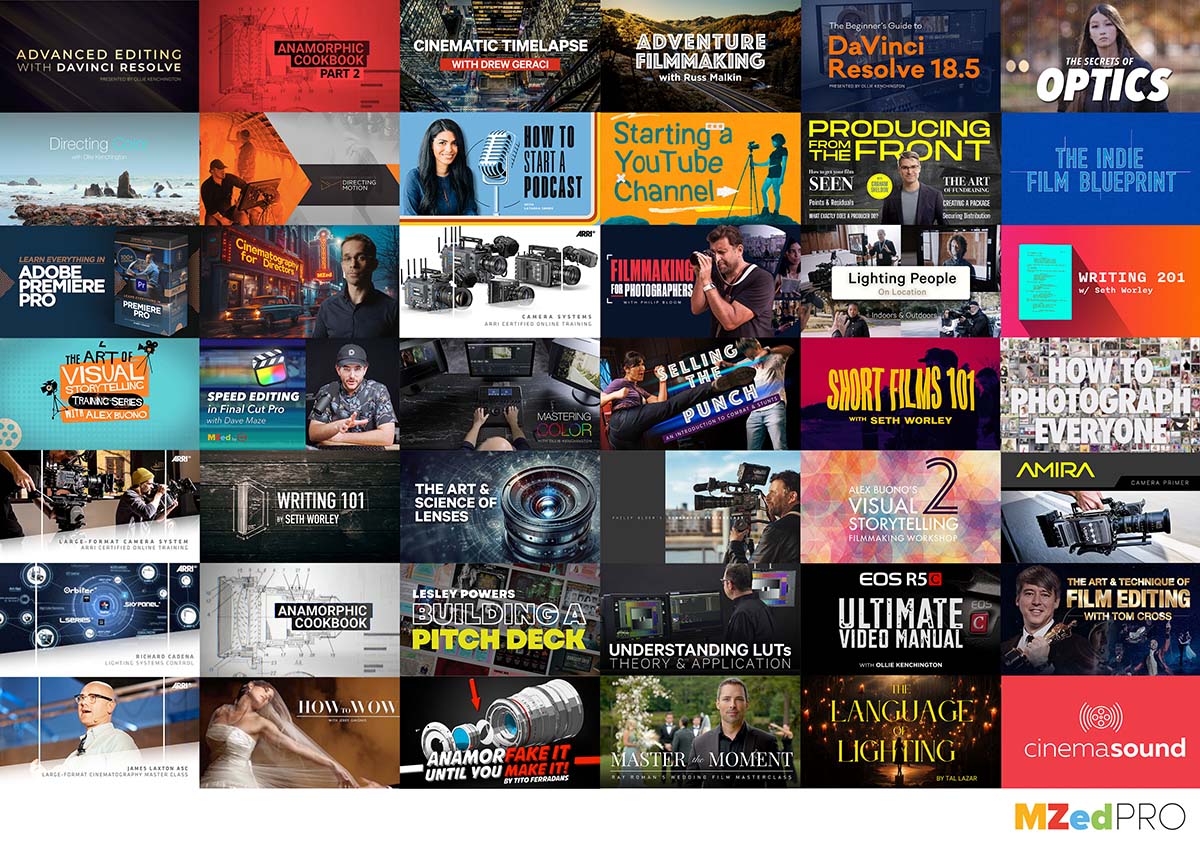
Our educators include Academy Award winners, Pulitzer Prize winners, and master craftspeople from Hollywood, ARRI Academy, and leading production studios worldwide.
...and dozens more industry experts teaching practical, real-world techniques
Unlimited streaming access to 65+ courses covering every aspect of filmmaking
Download lessons on our iOS app and learn anywhere, even without internet
Earn recognized certificates upon course completion to showcase your expertise
Regular partnerships with leading brands to give away filmmaking gear
Save on gear and software from partners like FilmConvert, Waves, and more
New courses added regularly at no extra cost — always stay current
"I have learned so much watching these professionals go into detail in all the areas of lighting, lensing, cameras, tools, and audio production."
"MZed is the best filmmaking educational resource out there. The depth and quality are unmatched."
"I was reaching a ceiling of in-depth industry knowledge. I found MZed and it was exactly what I was looking for!"
One membership. Unlimited learning. Unbeatable value.
7-Day Money-Back Guarantee: Try MZed Pro annual plan risk-free. If it's not for you, we'll refund your payment within the first 7 days — no questions asked.