Make a commitment to becoming a better filmmaker, today. Seven-day money-back guarantee (view full terms here).

AAA
Adobe users no longer need to jump to After Effects for quick rotoscoping. In this short module, we explore the native Object Mask tool integrated directly into Premiere Pro’s timeline. You’ll learn how to generate precise mattes, refine selection boundaries, and apply targeted effects or color grades directly within Premiere’s intuitive editing environment.
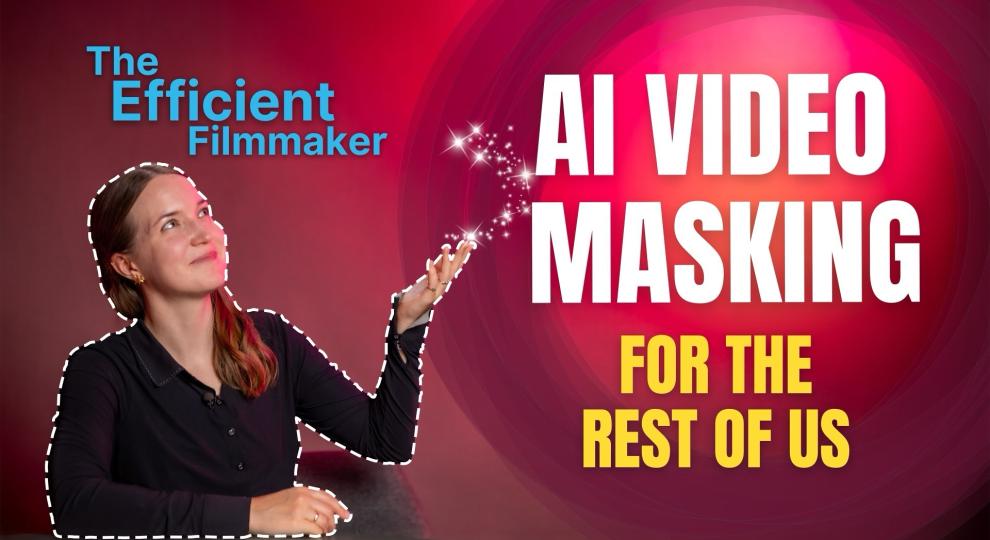
In the second course of “The Efficient Filmmaker” series, we dive into the art of precisely masking specific elements in your shots. With AI-powered tools like Magic Mask, Magnetic Mask, or Roto Brush, editors, colorists, and independent filmmakers can handle this task themselves — and fast. No VFX skills required!
From applying selective color grading, blurring sensitive content, and removing small distractions to relighting footage and adding subtle effects, you’ll learn all that and more in our new course, “AI Video Masking for the Rest of Us.”
Each module features hands-on demonstrations, so by the end of this one-hour course, you’ll be ready to apply these workflows to your own projects immediately and become a more efficient filmmaker in the process.
Mascha Deikova is a filmmaker based in Austria and co-owner of the video production company Holy Moly films. She works on commercials, music videos, corporate films, and documentaries. Mascha’s passion lies in exploring cinematic and narrative techniques for storytelling, as well as emerging AI tools for streamlining mundane tasks. She regularly writes about these topics for CineD.com.
Make a commitment to becoming a better filmmaker, today. Seven-day money-back guarantee (view full terms here).
The latest course announcements, news and offers.
Be the first to know!